Analysis Tools Guide
Every page on your LinkMap is scored and colored the moment the crawl finishes, and the free account gets all of it. The paid tools further down read the same map and add what the crawl cannot see: the pages ranking against you, the sites that will link to you, and what the AI engines say when your buyers ask. Start with the visualization and the structure guide if the map is new to you.
PageRank Analysis
The built-in PageRank analysis scores every page against the rest of your site. The score is called PageValue, and each node is colored by it, blue at the bottom of the scale through to red at the top.
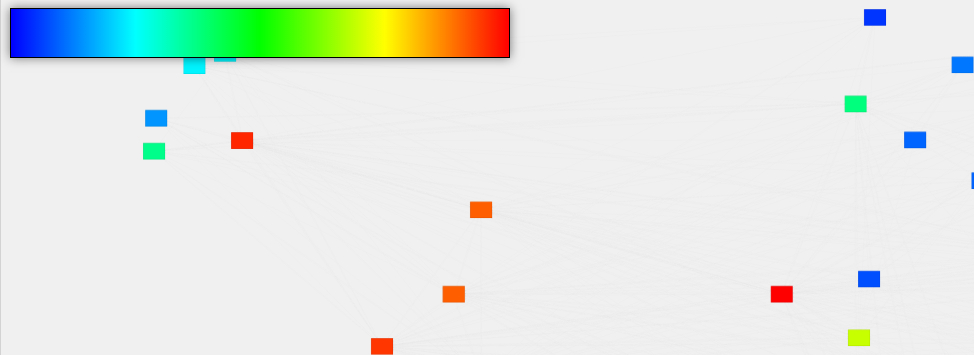
The scale is your site measured against itself. Red means the strongest page you have, not a strong page on the web, which is what makes it useful for deciding where your own links should go.
Depth Analysis
Depth is how many clicks it takes to reach a page from your homepage, and the map lays pages out by it. Text size shows where a page sits in your hierarchy, so a page drawn small and far out is one your own structure is hiding.
Dashed borders are pages you have planned but not built, and dashed lines are links you have planned but not added. No depth is too deep on its own; read it against the rest of your site.
Content Relationship Analysis
Hover any page on the map and its linked pages stay lit while the rest fades. The map also lays pages out by how topically close they are, so the group left standing is the cluster that page belongs to.
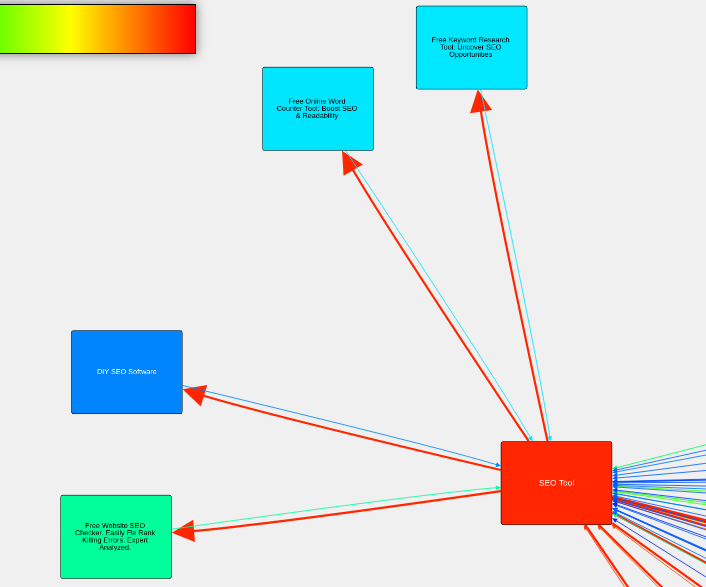
A tight group in dull colors is still a cluster. It is one nothing else on your site is pointing at, and that gap is usually the first internal link worth adding.
Authority Distribution
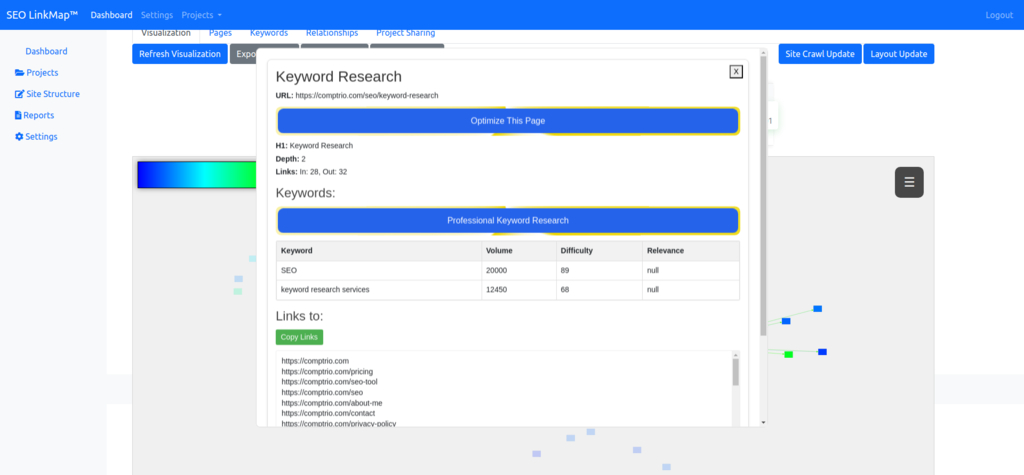
Click a page and the details modal shows its depth, its link counts, the pages it links out to, its PageValue, and the audit findings, keywords, actions and backlinks logged against it. That is enough to see whether a page you care about is being fed by your structure or starved by it.
Premium Analysis Features
The paid tools are bought one report at a time on credits that never expire, on any paid plan. Nothing here is a tier you grow into, and the pricing page carries the current price of each.
Optimization Strategies
A Page Optimization run is ordered for one target page. You choose one of four strategies, balanced, authority focus, structural or content relevance, and the run draws the links to add and the pages to create onto your map as planned, and files a report under Reports within an hour or two.
Competitor Research
Competitor research is ordered per keyword. It measures the pages ranking for that keyword across 200+ measurements and reports which of them correlate with position on that SERP, with the p-value and confidence interval beside each one.
Each keyword gets its own analysis, because what carries one SERP can hurt on the next.
Backlink Prospector
The Backlink Prospector is ordered per keyword and usually finishes within an hour or two. It reads hundreds of pages ranking for the keyword, keeps the sites that accept guest posts, keep resource pages or run roundups, and hands you a prospect list with contact details and a draft outreach email for each.
Every rejected site carries the reason it was rejected, so you can overrule the call when you know something the crawl did not.
AI Visibility
AI Visibility puts a question your buyers ask to Google AI Overview, Google AI Mode, ChatGPT, Perplexity, Gemini and Copilot every day, from the location you set. The panel shows how often the engines answer at all and how often they cite you when they do, with each rate guarded by the tests in the methodology.
Performance Metrics
The metric selector in the map's top-right HUD recolors every node by whichever metric you pick, so any metric in the selector becomes a heatmap. Hoarders and thin clusters show up as shapes before you read a figure.
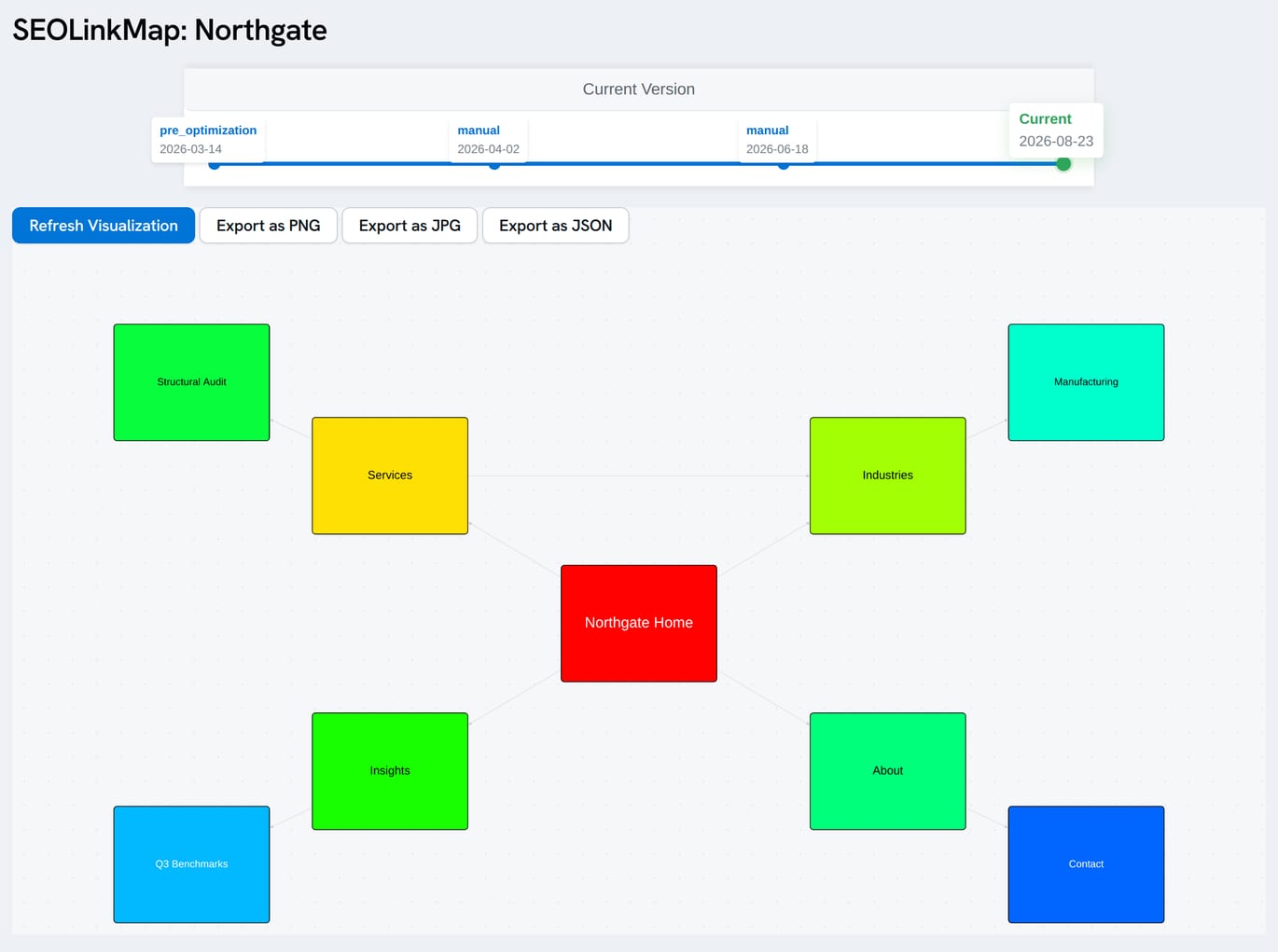
A shared LinkMap keeps a snapshot timeline across the top, so a client can scrub back to see how the structure has moved since the last visit. Use the sharing features for that, and the SEO Report Builder when the numbers need to go in a report.
Using Analysis Results
The free map tells you where authority pools and where it is missing. Fix the obvious gaps first: link the isolated clusters, pull buried pages closer to the homepage, and check that your red pages are the ones you actually want ranking.
When the next move is not obvious, what do I do next reads your account and names it. The authority optimization guide covers what to do once a report has told you which links to change.
What Does the Math Say
About Your Site?
Finding out is free and takes minutes.